Create your account
Your 14-day trial starts when you create an account. No card needed. Sign-up and billing live on stillshell.com.
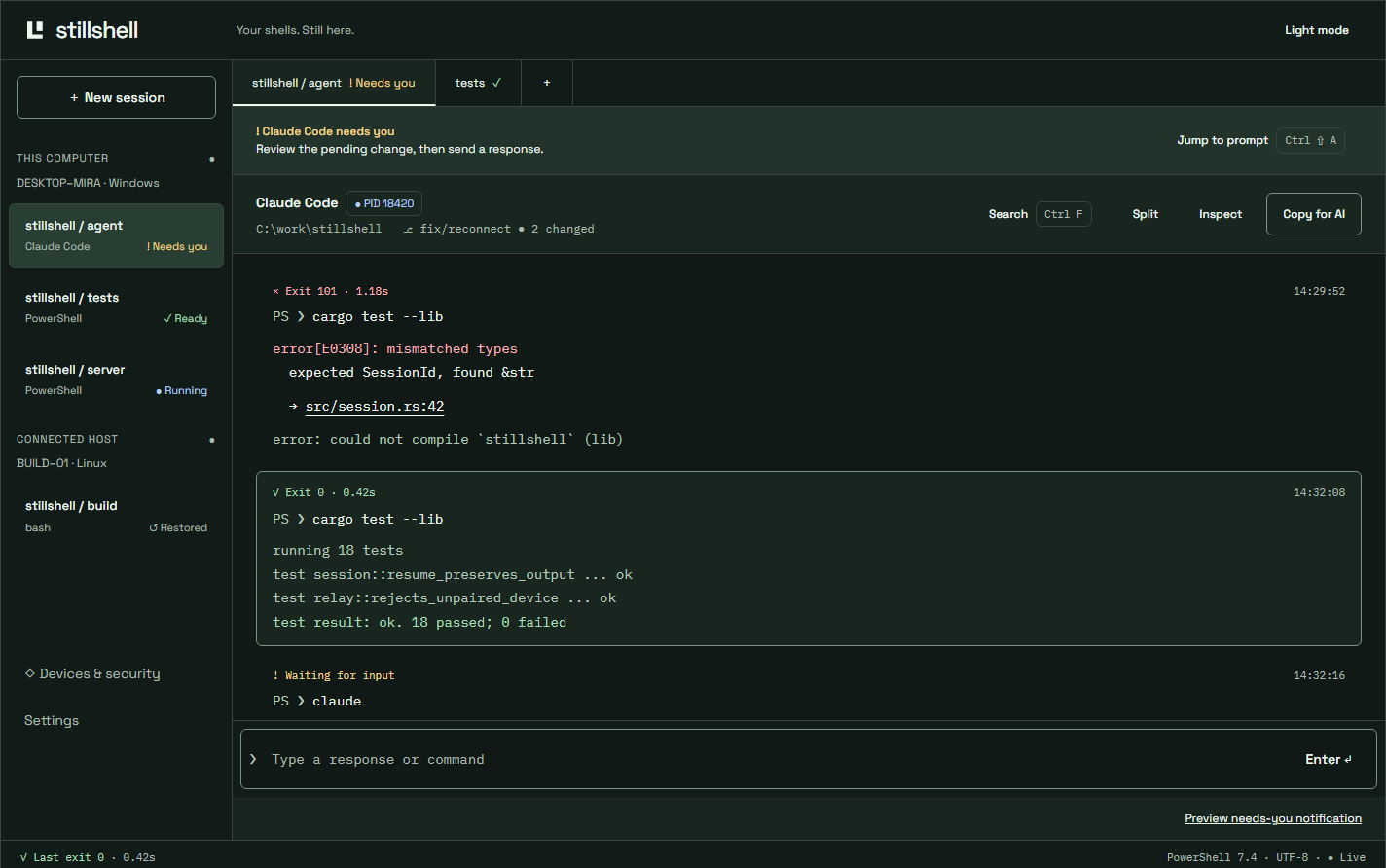
Persistent sessions. Every AI account in reach. A clear signal when an agent needs you. Start on the computer where your work runs.
The desktop app and local agent keep your sessions on your computer.
Get Windows installer ↗Opens the live Stillshell download page.
14-day trial · No card needed
Your 14-day trial starts when you create an account. No card needed. Sign-up and billing live on stillshell.com.
The app opens the website. Sign in, check the device and press Allow. The app completes sign-in with proof of its device key.
Add your AI accounts, open a project folder and start a session. Type claude or codex to choose which account to use.
Windows, the Android phone and the Wear OS watch are available now. No release dates are announced for the planned ones.
Your sessions on every computer, a real terminal, one-tap answers and notifications you can answer from. Phone push notifications come with the app.
See the phone app →Alerts and one-tap answers on your wrist, and spoken prompts into a running session. It pairs through the Android phone app.
See the watch app →Planned. An Apple Watch needs the iPhone app first.
A desktop release for macOS is planned. Windows is available now.
A desktop release for Linux is planned. Package formats are not specified yet.
Paired computers connect through encrypted frames. Compare safety codes and approve each device before sharing access.
Understand the security model →